Fake Facebook Recommendations: How to Remove Them Fast
Report the recommendation to Facebook, preserve every piece of evidence before you do, and line up an attorney-led escalation option in case Meta drags its...
Report the recommendation to Facebook, preserve every piece of evidence before you do, and line up an attorney-led escalation option in case Meta drags its feet or declines to act. That order matters: Facebook only reviews content after someone files a report, and screenshots taken today may be your strongest asset if this ends up in a legal claim next month.
Do these three things in the next 30 to 60 minutes:
- Report it now. Open the recommendation, click the three-dot menu, and select the report option.
- Screenshot everything. Capture the post with a visible timestamp, the poster’s profile handle, and the surrounding page context.
- Log the details. Save the direct profile URL and any case or ticket number Facebook gives you after submission.
Facebook won’t act on a recommendation it hasn’t been told about, and a case number with no screenshots leaves you with nothing to hand a lawyer later.
Key Takeaways
Fake Facebook recommendations require immediate reporting and evidence preservation, with attorney-led escalation as the reliable path when Meta’s standard review process stalls or declines to act.
| Point | Details |
|---|---|
| Report immediately | Use the three-dot menu on the specific recommendation and select the report option within the first hour. |
| Document before you escalate | Full-page screenshots with timestamps and profile handles matter more than the report itself later on. |
| Know Facebook’s limits | Meta may reduce distribution instead of removing content that doesn’t clearly violate Community Standards. |
| Escalate on red flags | Multiple fake accounts, threats, impersonation, or measurable business harm justify legal action. |
| Consider attorney-led removal | Repvive uses an attorney-led, pay-per-removal model with no upfront fees across Facebook and five other platforms. |
This article is general information, not a substitute for advice from a qualified lawyer. Consult a qualified legal professional about your own circumstances before acting on anything here.
Table of Contents
- How Do You Report Fake Facebook Recommendations?
- What Evidence Should You Collect Before Escalating?
- When Should You Escalate Beyond Facebook’s Reporting Tools?
- How Does Attorney-Led Removal Work?
- How Long Does Removal Take, and What Does It Cost?
- How Do You Stop Fake Recommendations From Coming Back?
- What Should You Look for When Hiring a Removal Service?
- An Attorney’s View on Why the Legal Route Changes Outcomes
- Get Fake Facebook Recommendations Removed Without Paying Upfront
- Sources
- FAQ
How Do You Report Fake Facebook Recommendations?
Start on the specific recommendation post on your business Page, not your general settings menu. Click the three-dot icon next to the entry and choose “Find support or report recommendation.” This is the same menu path the FTC recommends for flagging suspicious reviews on any platform: open the post, hit the menu, report it, follow the prompts.
The process runs in three parts:
- Click the three-dot menu on the offending recommendation.
- Select the reason that fits: spam, false information, harassment, or impersonation.
- Submit the report and write down the case or ticket number Facebook issues.
Expect a response within a few days for straightforward violations like spam or obvious harassment. Borderline cases, especially ones that read as opinion rather than fact, can sit unresolved far longer or get no response at all.
Pro Tip: File one clean, well-documented report per offending post. Resubmitting the same report repeatedly doesn’t speed things up. Only file again if you have new evidence or the decision window has clearly passed.
A few practical notes:
- Star-only recommendations (no text, just a rating) are harder to get removed because there’s less to point to as a violation.
- You cannot delete a fake recommendation yourself. There’s no delete button on someone else’s post, only report and escalate.
- Disabling Recommendations entirely hides all reviews on your Page, not just the fake one. Save that move for coordinated attacks, not one bad post.
What Evidence Should You Collect Before Escalating?
Evidence quality decides whether Facebook’s review team, and later a lawyer, takes your case seriously. Full-page screenshots matter most: the image needs to show the timestamp, the poster’s profile handle, the recommendation text, and enough surrounding context that the URL is visible in frame.
Collect these items before you submit anything:
- A full-page screenshot with timestamp and profile handle visible.
- The direct URL to the recommendation or the Page’s reviews tab.
- Page admin activity logs, if your account has them.
- Booking records, transaction history, or CRM entries that contradict the claim in the fake recommendation.
- Point-of-sale or CCTV timestamps if the poster claims to have visited on a specific date.
If a reviewer claims they were overcharged on a date your records show the business was closed, that’s not a dispute anymore. It’s proof.
Pro Tip: Name every file consistently, something like 20260214_yourbusiness_reviewID, and store originals plus a time-stamped backup copy in cloud storage. A messy folder of unlabeled screenshots looks careless to a platform reviewer and useless to an attorney.

When Should You Escalate Beyond Facebook’s Reporting Tools?
Platform reporting has real limits. Meta’s own transparency materials confirm that content which doesn’t technically violate Community Standards can simply have its distribution reduced rather than removed, as part of what Meta calls a “remove, reduce, inform” approach. That means a damaging recommendation can sit on your Page indefinitely, visible to anyone who looks, even after Facebook has “reviewed” it.
Certain signals mean you should stop waiting on Meta and bring in legal help:
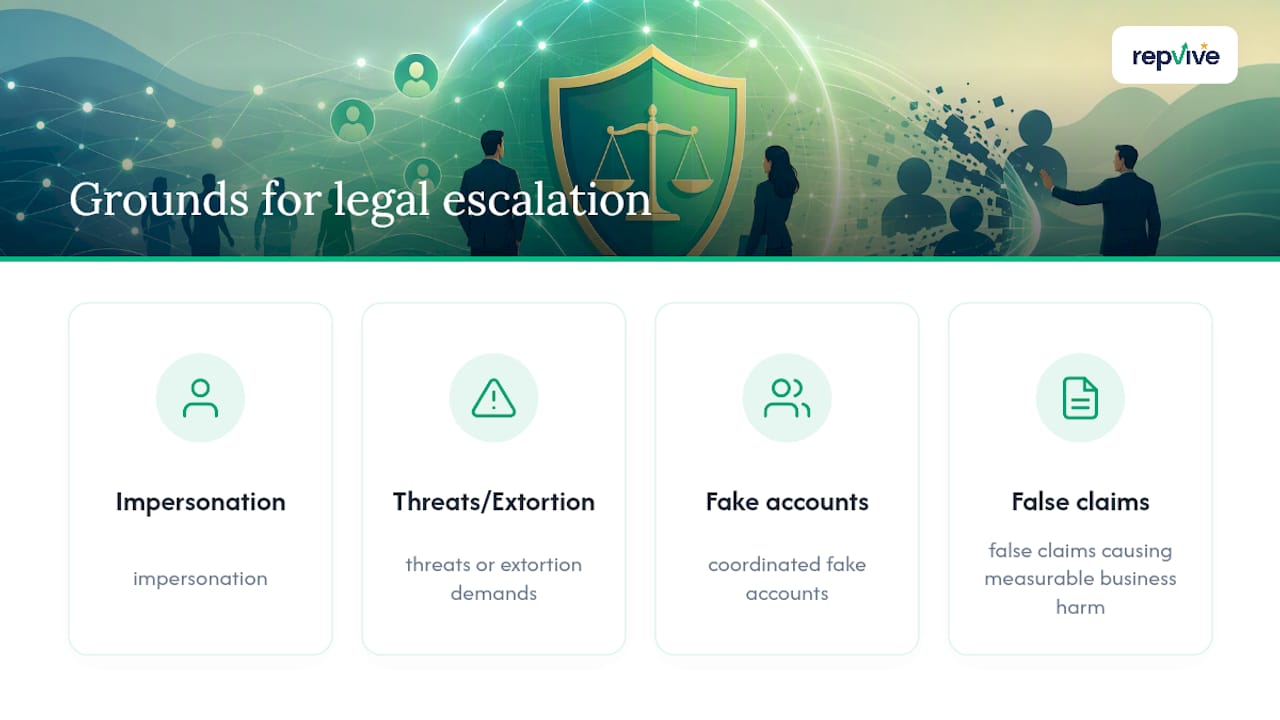
- Multiple fake accounts posting similar or coordinated negative recommendations.
- Direct threats or extortion demands tied to removing the post.
- Impersonation of your business, staff, or ownership.
- False factual claims (wrong dates, invented incidents, fabricated health or safety violations) that you can disprove with records.
- Measurable business harm: canceled bookings, a lost contract, or a client citing the recommendation directly.
If you’ve filed a documented report, waited a reasonable window, and the content is still up, or if the poster is traceable and possibly linked to a competitor, that’s your cue. Legal remedies at this stage include cease-and-desist letters, formal takedown demands, subpoenas to identify anonymous posters, and litigation when the harm and evidence support it, as outlined in Revision Legal’s overview of defamation removal options.
How Does Attorney-Led Removal Work?
Meta can restrict or remove Pages and groups that repeatedly violate its policies, and Page Quality tools let admins see violations Meta has already flagged. But getting a single defamatory recommendation pulled through the standard consumer report queue is a different, slower fight. That’s the gap attorney-led removal is built to close.
Repvive’s process runs as a defined sequence rather than a one-off report:
- Intake and evidence review. Your screenshots, URLs, and supporting records get assessed against actual legal grounds, not just Facebook’s community guidelines.
- Legal claim drafting. An attorney builds a claim specific to the content, whether that’s defamation, impersonation, or a false statement of fact.
- Direct platform channels. Requests go through legal escalation channels rather than the standard consumer report form most business owners are stuck using.
- Monitored resubmission. If a first attempt stalls, the case gets tracked and resubmitted with additional legal weight.
- Payment only after confirmed removal. No upfront cost.
A recommendation that Facebook’s standard report queue leaves alone for weeks is often the exact kind of case a properly drafted legal claim moves in days, because the request stops looking like a customer complaint and starts looking like a documented legal demand.
“Pay-per-removal” means exactly what it says: you’re billed per confirmed, verified removal, not a retainer or a monthly fee regardless of outcome.
How Long Does Removal Take, and What Does It Cost?
Straightforward Facebook reports on obvious spam or clear rule violations often resolve within hours to a few days. Recheck at 24 to 72 hours, then again at the one-week mark if nothing has happened. Borderline cases, ones that look like opinion rather than a factual violation, can stall indefinitely under Meta’s distribution-reduction approach rather than get an outright decision either way.
Attorney-led escalation moves on a different clock:
- Intake and evidence assembly: 1 to 3 business days.
- Legal notice drafting and platform resubmission: several days to a few weeks.
- Subpoena or litigation, when the case requires it: weeks to months.
Cost scales with complexity. A single clear-cut removal costs less than a case spanning multiple platforms or one that requires identifying an anonymous poster through legal channels. Repvive’s pay-per-removal structure means there’s no upfront bill regardless of which tier your case lands in.
How Do You Stop Fake Recommendations From Coming Back?
Recurrence prevention starts with who has access to your Page. Limit admin roles to people you trust, and turn on notifications so a new recommendation doesn’t sit unnoticed for a week.
- Restrict Page admin roles to essential staff only.
- Enable alerts for new recommendations so you catch problems within hours.
- Temporarily disable Recommendations if you’re facing a coordinated attack from multiple fake accounts.
- Use ongoing monitoring, whether that’s Google Alerts, a dedicated reputation monitoring service, or a managed subscription that flags new reviews automatically.
If a new fake recommendation shows up, repeat the same sequence: report, document, and evidence collection first, then run it against the escalation criteria above. Learning to spot the warning signs early cuts the time between posting and reporting, which matters more than people expect.
What Should You Look for When Hiring a Removal Service?
Not every “reputation management” company operates the way it claims to. Run through this before signing anything:
- Confirm attorneys are actually involved in drafting claims, not just customer service reps filing generic reports.
- Ask for removal success data and, if possible, client references or verifiable case outcomes.
- Get the pay-per-removal policy and any guarantee in writing.
- Verify the service covers Facebook specifically, not just Google.
- Confirm you’ll get dashboard or reporting access so you can track case status yourself.
Ask directly: What’s the typical timeline for a case like mine? What happens if the removal fails? Is there a refund or credit policy?
Watch for these red flags:
- Demands for full payment upfront.
- No written guarantee of any kind.
- No verifiable past cases to point to.
- Promises of guaranteed legal outcomes, which no legitimate legal service can make.
An Attorney’s View on Why the Legal Route Changes Outcomes
Most business owners assume a report is a report. It isn’t. A generic consumer complaint gets triaged with millions of others, and Meta’s own systems are built to reduce distribution on borderline content rather than commit to a clean decision either way. A legal claim tied to defamation, impersonation, or a demonstrably false statement forces a different kind of review, because it carries consequences if ignored.
The businesses that come out ahead are the ones who screenshot everything on day one, before they’ve even decided whether they’ll need a lawyer. Waiting costs you evidence, and evidence is the entire game.
Get Fake Facebook Recommendations Removed Without Paying Upfront
Repvive is the alternative to sitting in Facebook’s report queue hoping for a decision: an attorney-led claim goes in instead of a generic complaint, and you pay only after the recommendation is confirmed removed.
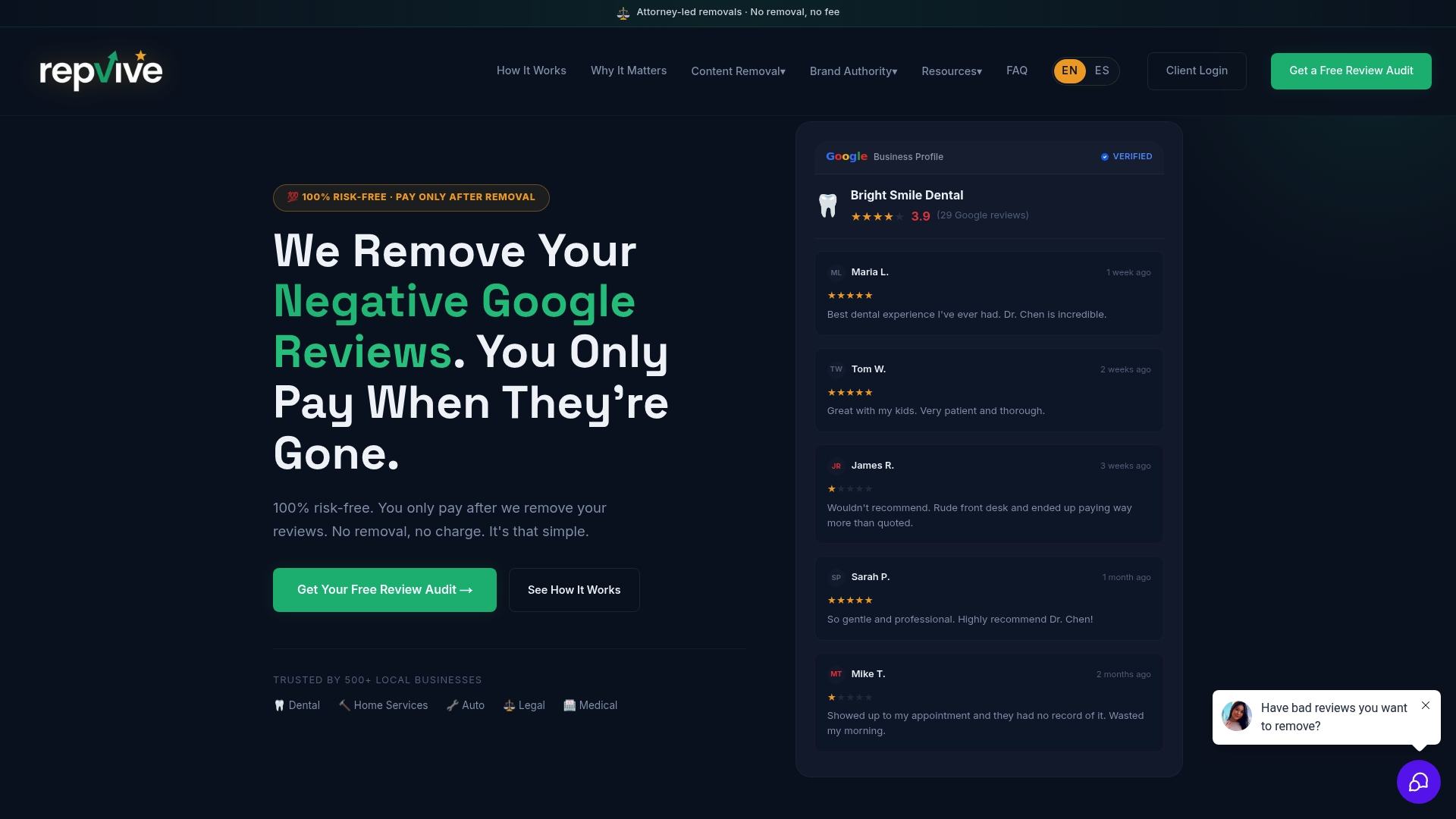
If you’ve already filed a Facebook report and gotten nowhere, or you’re staring at a fake recommendation you know violates the rules, the next move is simple. Send over your screenshots, the direct URL, timestamps, any booking or transaction records that contradict the claim, and your Facebook case number if you have one. That’s the full intake package. Repvive’s team reviews it, builds the legal claim, and tracks the case on a real-time dashboard so you’re never left wondering where things stand. Coverage extends beyond Facebook to Google, Yelp, TripAdvisor, Trustpilot, and BBB, so one intake can cover more than one platform if the same fake reviewer hit you in multiple places. Start a free intake review at Repvive and get your case assessed before the damage spreads further.
Sources
- How To Report Suspicious Online Reviews | Consumer Advice
- Lowering distribution of problematic content, Meta Transparency
- Removing Online Defamatory Content: Your Legal Options, revision Legal
FAQ
Can You Delete a Fake Recommendation Yourself?
No. Facebook doesn’t give Page admins a delete button for someone else’s post. You can only report it or disable Recommendations entirely, which hides all reviews, not just the fake one.
How Long Does Facebook Take to Remove a Fake Recommendation?
Simple violations like spam often get resolved within hours to a few days, while borderline content can take longer or may receive no clear resolution.
What Counts as Grounds for Legal Escalation?
Impersonation, threats or extortion demands, coordinated fake accounts, and false factual claims causing measurable business harm are the clearest signals it’s time to bring in an attorney.
Does Repvive Charge Anything Upfront?
No. Repvive operates on a pay-per-removal model, meaning you’re billed only after a recommendation is confirmed removed, with no upfront fee.
What Platforms Does Attorney-Led Removal Cover?
Repvive’s attorney-led process covers Facebook along with Google, Yelp, TripAdvisor, Trustpilot, and BBB, so one case can often address fake content across several platforms at once.