Get 5 to 10 Google Reviews Monthly: Legal Playbook for Local Businesses
Get 5 to 10 Google Reviews Monthly: Legal Playbook for Local Businesses ! Decorative Google reviews legal playbook title card The fastest, policy-safe way to get more Google reviews is simple: ask every customer at the moment of peak satisfaction with a one-tap direct link or QR code, then follow up once, automatically, if they don't act.
Get 5 to 10 Google Reviews Monthly: Legal Playbook for Local Businesses
The fastest, policy-safe way to get more Google reviews is simple: ask every customer at the moment of peak satisfaction with a one-tap direct link or QR code, then follow up once, automatically, if they don’t act. Lean on SMS and in-person QR codes over email, since both convert faster, and never offer anything in exchange for a review. That combination, repeated weekly, builds steady review volume without risking a policy strike.
TL;DR:
- Asking satisfied customers at the moment of peak satisfaction using SMS or QR codes results in faster and more policy-safe reviews than email campaigns.
- Use the direct Google review link from your profile or generate a QR code to streamline the review process, especially for in-person transactions.
- Keep review requests simple, personalized, and avoid offering incentives, as Google bans rewards and review gating, which can lead to profile suspension.
- Automate review asks with CRM triggers and limit follow-ups to one reminder within 72 hours to prevent customer annoyance.
- Generate 5 to 10 reviews monthly, track key metrics, and respond to reviews within 48 hours to boost ranking and future review likelihood.
Table of Contents
- How to Ask Customers for Google Reviews the Right Way
- How Do I Get My Direct Google Review Link?
- Which Channels and Automations Actually Generate Reviews?
- What Are Google’s Rules on Asking for Reviews?
- How Should You Respond to Google Reviews?
- How Many Reviews Should You Get Per Month?
- Copy-and-Paste Scripts for Every Channel
- What If a Review Is Fake or Defamatory?
- Steady Beats Sporadic
- Get Help If You’d Rather Not Manage This Yourself
- Where to Verify This Information
- Sources
- FAQ
How to Ask Customers for Google Reviews the Right Way
Timing decides almost everything. A restaurant asks at the table when the plate is cleared and the guest is smiling. A contractor asks the moment the client signs off on finished work. A dentist’s front desk asks at checkout, right after a good visit, not three days later by email when the memory has faded. Staff training beats every automation tool on the market. Shopify’s research on review generation found that a polite verbal ask paired with automated follow-up outperforms either tactic alone.
A simple verbal script works better than a clever one: “We’d really appreciate it if you left us a quick Google review. Here’s the link.” If someone says they’ll do it later, hand them a QR card and send one text reminder, then stop. Repeated asking annoys people and looks like pressure.
- Ask only satisfied customers you can identify in the moment
- Keep the script under 15 words
- Log who asked and when, so nobody gets asked twice
Pro Tip: Rotate which staff member handles the ask each week and compare who generates the most completed reviews. It turns review generation into a coachable skill, not a hope.
How Do I Get My Direct Google Review Link?
Open your Google Business Profile, search “get more reviews” inside the dashboard, and copy the short link Google generates for you. That link drops customers straight into the review form, skipping the search-and-click hunt through Maps. Google’s own guidance confirms this direct link and QR codes are the recommended methods. Customers do need to be signed into a Google account to submit one.
- Log into your verified Google Business Profile
- Copy the direct review link from the “Get more reviews” panel
- Paste it into a free QR generator, such as Get Reward QR, built specifically for review links
- Print the QR code on receipts, table tents, or invoices
- Shorten and track the link if you want click data, but keep the destination unchanged
- Test the code yourself on a phone before printing 50 copies
Which Channels and Automations Actually Generate Reviews?
SMS wins on speed. Texts sent within an hour of a transaction consistently convert better than email, according to ReviewFire’s channel research, while QR codes dominate for businesses with a physical checkout moment. Email still has a place, mostly as the automated follow-up rather than the first ask.
The pattern that works: a transaction or appointment closes, a templated message fires automatically with the direct review link, and if nothing happens within 48 to 72 hours, one follow-up goes out. No second follow-up. No nagging.
- SMS for same-day transactions where you already have a phone number
- QR codes for walk-in retail, restaurants, salons, and clinics
- Email for appointment-based businesses with longer service cycles
- CRM triggers (a closed invoice, a completed job ticket) to fire the request without staff remembering
Keep SMS messages short, identify your business by name, and include an easy opt-out. Most basic CRM and point-of-sale systems already support template messages, so this doesn’t require expensive software to start.
What Are Google’s Rules on Asking for Reviews?
Google prohibits offering discounts, gift cards, or anything of value in exchange for a review, and that rule applies even if you don’t specify a star rating. Asking only happy customers for public reviews while quietly routing unhappy ones elsewhere, called review-gating, is a bannable pattern under Google’s official policy, not a gray area.
- Never say “leave us 5 stars” or offer a reward for reviewing
- Ask every customer, not just the ones who smiled on the way out
- Route unhappy customers to a private feedback form or a manager, not away from Google entirely
Review-gating is a documented cause of profile suspensions, according to industry guides tracking Google policy enforcement. If you notice a sudden spike in requests going out (a marketing team blasting the whole customer list at once, for example) pause and slow down. Sudden, unnatural bursts draw more scrutiny than steady, organic growth.
How Should You Respond to Google Reviews?
Reply within 48 hours. That window matters because vendor data on review engagement shows timely responses correlate with more future reviews, not just better optics on existing ones. A positive review deserves a specific, personal thank-you, not a copy-pasted line. A negative review deserves an apology, a concrete fix, and an invitation to continue the conversation offline.
- Positive reply: thank them by name, mention a specific detail from their visit
- Negative reply: apologize, avoid defensiveness, offer a direct contact to resolve it
- Check your profile weekly, not monthly, so nothing sits unanswered for two weeks
Pro Tip: Screenshot your best replies and reuse the structure, but never the exact wording. Customers notice canned responses, and so does anyone reading reviews before they book with you.
Replies also do quiet work behind the scenes: engagement signals tend to feed into how active and responsive your profile looks to future customers browsing reviews before they call.
How Many Reviews Should You Get Per Month?
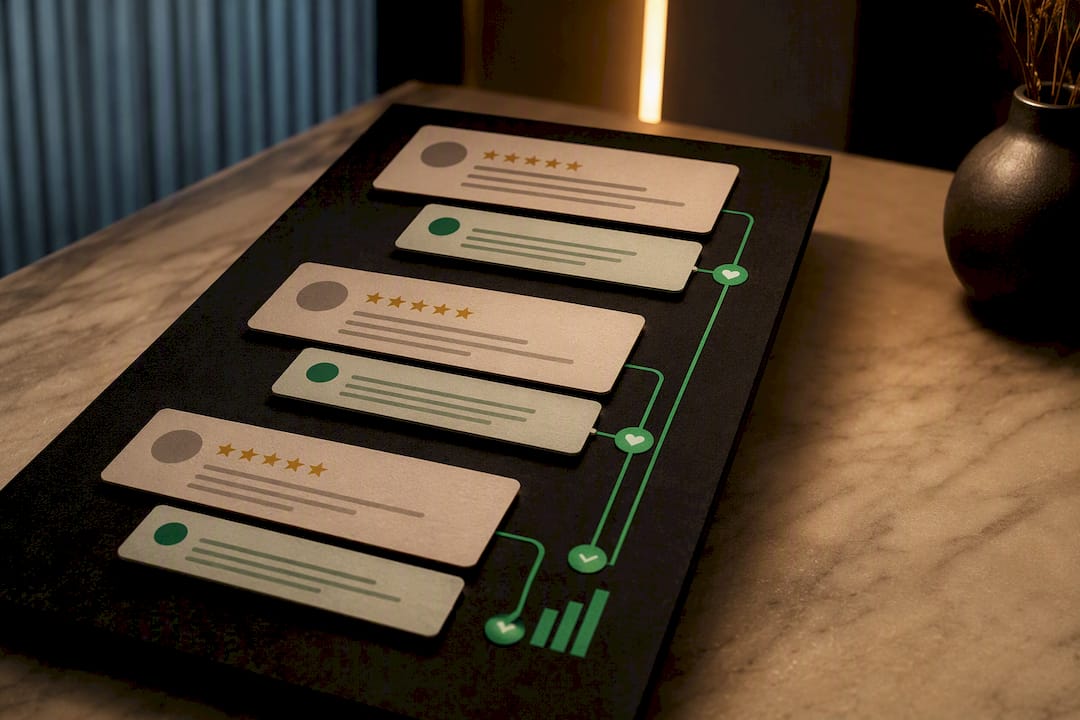
Aim for 5 to 10 new reviews monthly rather than chasing one big push. Data on review velocity shows steady monthly growth moves local ranking signals more reliably than a single 50-review sprint that then goes quiet for six months. Recency matters because Google and customers both weight recent activity more heavily than a pile of five-year-old reviews.
Track four numbers monthly: ask-to-review conversion rate, average time between ask and posted review, your overall star average, and your response rate to existing reviews.
| Metric | Healthy Target | Why It Matters |
|---|---|---|
| New reviews per month | 5 to 10 | Signals active, trustworthy business |
| Ask-to-review conversion | 10 to 20% | Shows if your ask method is working |
| Response rate | within 48 hours | Drives future review likelihood |
| Average rating | a high rating | Threshold most customers trust |
- Run this audit on the first of every month
- If conversion drops below 10%, test a new channel or script before assuming customers are unhappy
Copy-and-Paste Scripts for Every Channel
Templates save time and remove the guesswork on wording. Personalize the bracketed sections and keep every message under three sentences.
- SMS: “Hi [Name], thanks for choosing [Business]! Mind leaving a quick review here: [link]”
- Email subject line: “How did we do?” Body: “We loved having you in. A short Google review helps other customers find us: [link]”
- Verbal script: “We’d really appreciate a quick Google review if you have a minute. Here’s the link.”
- QR card text: “Enjoyed your visit? Scan to leave us a review.”
- Route unhappy customers with: “We’re sorry it wasn’t a great experience. Can you reach out to [contact] so we can make it right?”
- A/B test SMS timing (immediately versus a two-hour delay) and measure which converts higher over a month
Full swipe-file versions of these, with more industry variations, live in Repvive’s review request template guide.
What If a Review Is Fake or Defamatory?
Google will remove reviews that violate its content policies (fake reviews, off-topic rants, conflict-of-interest posts, or reviews containing harassment or defamatory claims), but the dispute form is slow and often returns no response for weeks. Try Google’s built-in flagging first for a clear-cut violation. Escalate to attorney-led removal when the review makes false factual claims, involves a competitor or non-customer, or when your own dispute has already been ignored.
- Use Google’s flag tool for obvious spam or off-topic reviews
- Escalate to legal channels when defamation or provable falsehood is involved
- Watch for red flags in removal services: upfront fees, vague timelines, or no transparent reporting
A reputable removal process should show its work: what claim was filed, which policy it cites, and confirmation once Google approves the takedown. Anything less is a guess dressed up as a service.
Repvive’s guide on handling disputed reviews walks through what qualifies before you spend time on a dispute that Google will reject.
Steady Beats Sporadic
Most owners overthink review campaigns when the fix is boring consistency: ask a few customers every week instead of blasting your whole list once a year. Automate what you can, but never replace the human ask entirely. Match the channel to how your customers already communicate with you.
— Jason
Get Help If You’d Rather Not Manage This Yourself
Automation tools send review requests, track respondents, and follow up automatically, so you’re not relying on staff remembering to hand over a QR card during a rush. If you’re already dealing with unfair or fake reviews dragging your rating down, that’s a different problem entirely, and one that review requests alone won’t fix.
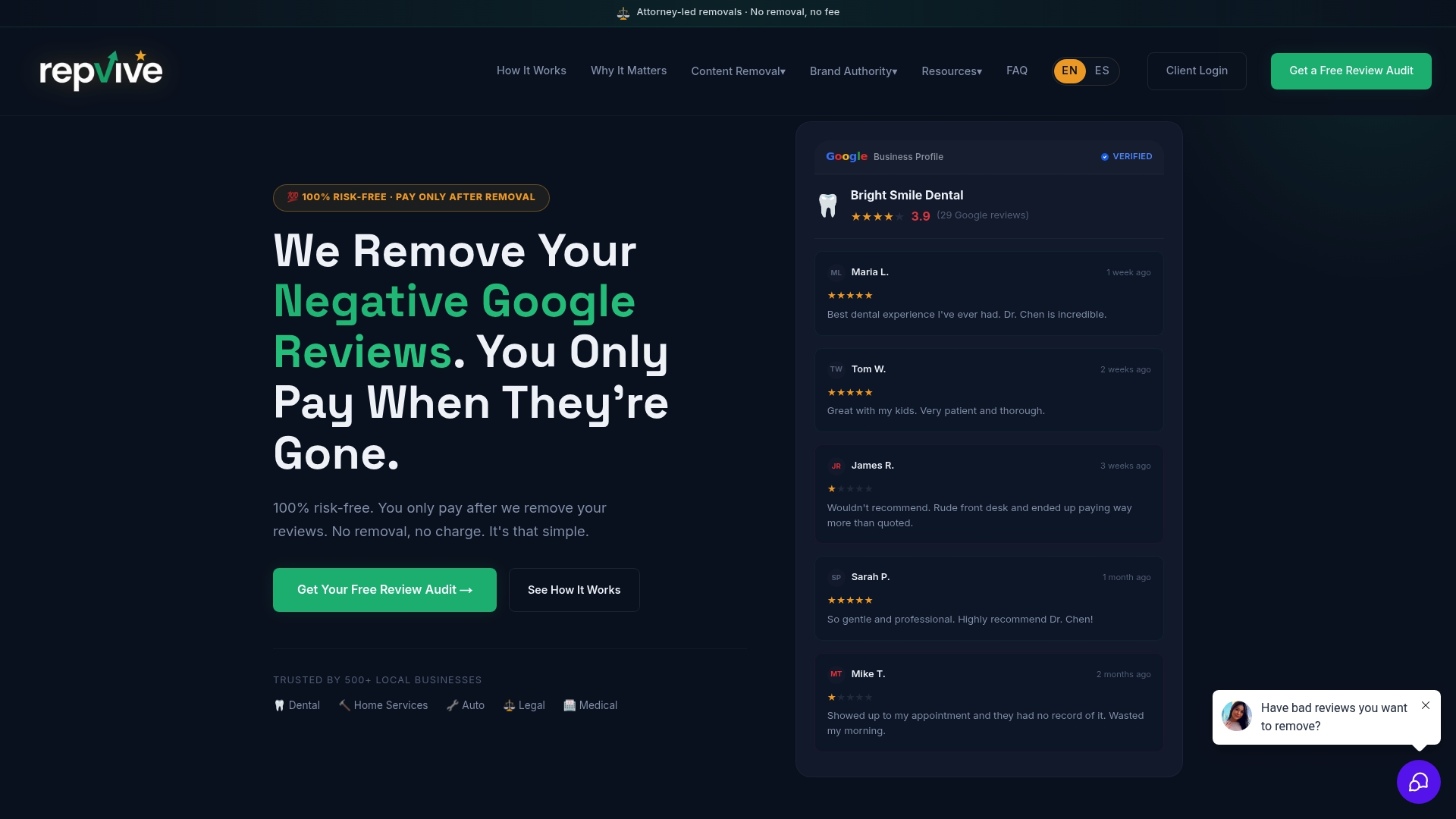
For businesses generating steady review volume but still fighting old, false, or competitor-planted reviews, Attorney-led removal services often work on a pay-per-removal basis with no upfront cost, so payment occurs only after a review has been successfully removed. Small operations juggling both problems at once (low review count and a damaging fake review sitting at the top of the profile) often start with a free Google Business Profile audit to see exactly where things stand before committing to either service. Check your profile’s current state and get a clear next step.
Where to Verify This Information
- Google Business Profile: tips to get more reviews
- Shopify’s guide to Google reviews
- Google Business Profile review management tools
Sources
- Tips to get more reviews - Google Business Profile Help
- How to get more Google reviews — Shopify blog
- How to Get More Google Reviews for Your Business (Legal, 2026 Guide) | ReplyWithCare
- How to Get More Google Reviews in 2026 (Complete Guide) | ReviewFire
FAQ
Is It Legal to Buy Google Reviews?
No. Buying reviews violates Google’s terms of service and can get your entire profile suspended, along with all its legitimate reviews. Google explicitly prohibits incentivized reviews, and the practice also opens you up to FTC scrutiny in the United States.
How Do I Get 1,000 Google Reviews?
There’s no shortcut to four figures; it comes from consistent monthly requests compounded over years, not a single campaign. At a steady pace of 5 to 10 reviews a month, reaching 1,000 takes roughly 8 to 17 years, which is why velocity and patience matter more than any one tactic.
How Can I Increase Google Reviews for Free?
Ask verbally at checkout, copy your free direct review link from your Google Business Profile dashboard, and print it as a QR code on receipts or table cards. No paid software is required to run this system, just consistent staff execution.
How Many Five-Star Reviews Does It Take to Raise My Rating?
It depends entirely on your current rating and total review count. A business with fewer reviews needs far fewer five-star reviews to move the average than one with many reviews, since each new review carries proportionally less weight as your total grows.
What Should I Do About a Fake Google Review?
Flag it through Google’s reporting tool first if it clearly violates policy, such as being posted by a non-customer or containing false claims. If Google doesn’t act or the review is genuinely defamatory, Repvive’s review removal services handle the legal escalation on a pay-per-removal basis.